Business Technology Learning Center

What is the Business Technology Learning Center (BTLC)?

Located in the Workforce Development Center (WDC), Room 2006.

  • Attend in person or via Zoom .
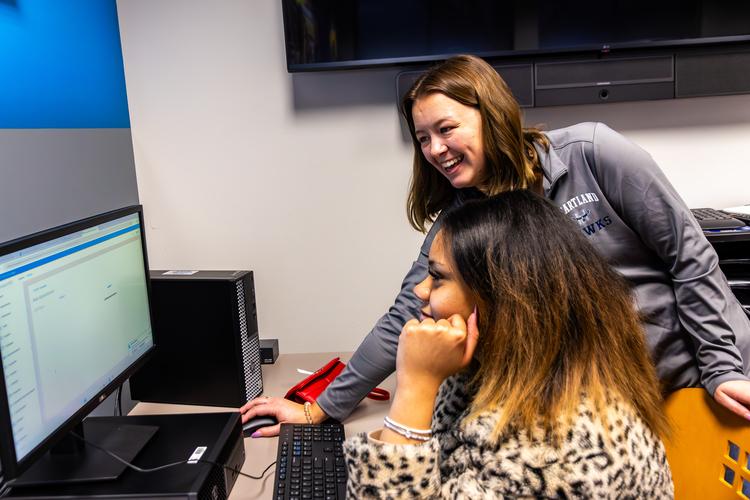
  • Receive one-on-one support from a lab facilitator.
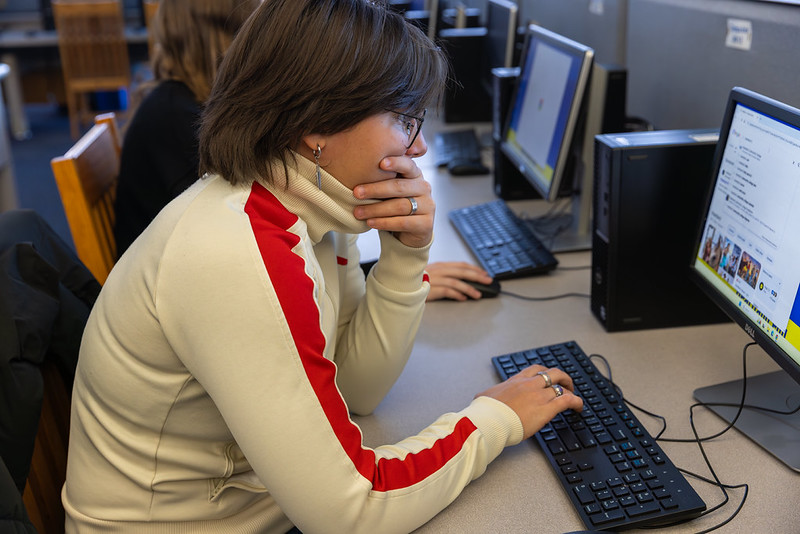
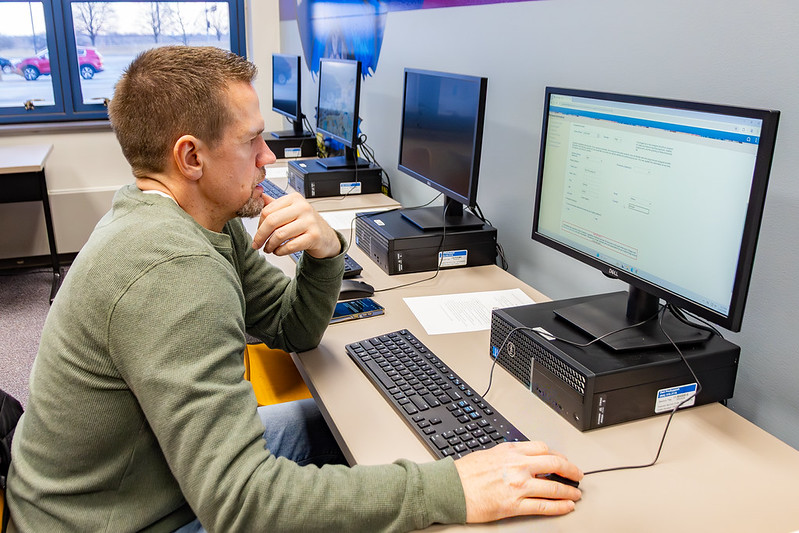
  • Use the BTLC to work in a quiet environment, borrow a physical textbook, and access dual-monitor computer stations.
  • BTLC lab hours are available four days a week in person and five days a week via Zoom.

BTLC Courses

Course Abbreviation(s) Full Course Name(s)
CTEC 125 PowerPoint
CTEC 136, 137, 138 Excel Levels I, II, III
CTEC 146, 147, 148 Access Levels I, II, III
CTEC 156, 157, 158 Word Levels I, II, III
CTEC 166 Outlook/OneNote
BTEC 145 Employment Success Strategies
OTEC 101 Keyboarding
OTEC 102 Advanced Keyboarding
OTEC 104 Office Simulations
OTEC 113 Records Management

The BTLC Lab is located in ICN 1301.

Summer 2026 Virtual Lab Hours:

 Join the Zoom virtual lab here. 

Virtual Lab Hours

Day

Hours

Monday

10:00 a.m. - 5:00 p.m.

Tuesday

Closed

Wednesday

10:00 a.m. - 3:00 p.m.

Thursday

10:00 a.m. - 5:00 p.m. 

Friday

Closed

Saturday

Zoom only MUST schedule with Jeanette at least 48 hours in advance.

Sunday

Closed

What are Open Learning Courses?

  • Self-paced
  • Flexible, individualized instruction
  • Ideal for students who are self-motivated
  • Time-management skills are key to success
  • Students may finish their course before the end of the semester.
  • You will work independently but still have access to one-on-one support, either in person or on Zoom. See the lab hours schedule for availability.
  • There are no set due dates except for midterm (March 7) and the end of the semester (May 9 at 11:59 p.m.). Refer to Canvas and/or the course syllabus for assignments that may be completed during final exam dates.
  • Access to a lab facilitator is available either in person or via Zoom.
  • Assignments will be submitted through Canvas.

Success Strategies for Open Learning Students

  • Self-schedule time each week to work on their Open Learning course.
  • Be comfortable with navigating a computer and managing files.
  • Check e-mail regularly.
  • Internet access and a PC computer (NOT a Chromebook) which can accept application
    downloads.
  • Use the Zoom link for help.
  • Contact your instructor via e-mail with questions.

Open Learning FAQs (Frequently Asked Questions)

How much time will I have to spend each week working on an Open Learning course?

  • The amount of time you spend each week is up to you.
  • You can finish the course in a few weeks, a month, or throughout the entire semester.
  • Make sure to pace yourself so you have all assignments completed by May 9, 2025, at 11:59 p.m.
  • Refer to Canvas and/or the course syllabus for assignments that may be completed during final exam dates.

How long will it take me to finish an Open Learning course?

  • The time is up to you.
  • Most Open Learning courses can be finished within four to eight weeks.
  • You may take the full 16 weeks to complete the course if needed.
  • All course requirements must be completed by the end of the semester.

Will I ever see my instructor?

  • All instructors who teach an Open Learning course work in the BTLC.
  • Your instructor's scheduled lab hours are listed in the course syllabus.
  • You can make an appointment to meet with your instructor in the BTLC or via Zoom.

What computer skills do I need to be successful in Open Learning classes?

  • Basic internet skills
  • Basic keyboarding skills
  • A simple working knowledge of Microsoft Word
  • File management skills, such as saving and retrieving files
  • Lab facilitators are available to guide and support you.

Do I need to have a computer at home?

  • You should have access to a computer outside of campus.
  • Your computer needs the Windows operating system (non-Mac) for these courses.
  • You will need to be able to download Microsoft Office applications.

How will I turn in my homework?

  • Open Learning courses are accessed through Canvas.
  • Canvas is Heartland Community College's online learning management system.
  • All assignments will be found and submitted through Canvas via the internet.

This sounds overwhelming. Are there deadlines?

  • See your course syllabus for assignment due dates.
  • You are expected to complete assignments on your own and at your own pace.
  • All assignments must be completed by the end of the semester.
  • Do not procrastinate.

The semester has already started. Can I still register?

  • Yes. Registration for Open Learning classes is open until (replace this date).

Do I need to buy a textbook?

  • All CTEC and many OTEC classes require an access code.
  • OTEC 104 Office Simulation does not require a textbook.
  • To save on costs, we use Cengage Unlimited.
  • Available options will be explained during onboarding.
  • Do not purchase course materials until you have attended an onboarding session.

Cengage Unlimited Information

What is Cengage Unlimited?

Learn more about Cengage Unlimited

  • Watch the 1-minute video that explains Cengage Unlimited.
  • Access to all CTEC and most OTEC classes.
  • You may have other classes that use Cengage.
  • Includes MindTap access codes and eBooks.
  • Rent a physical textbook for $9.99 (plus shipping and handling).
  • Available options will be explained during onboarding.
  • Please wait to purchase materials until after your onboarding session.

Cengage Unlimited Purchasing Options

Prices are subject to change.

  • One Semester: $139.99
  • Two Semesters (One Year): $214.99

Save on Course Materials with Cengage Unlimited

  • Ideal for students who need more than one Cengage product.
  • Provides access to all Cengage online learning platforms, including MindTap and WebAssign.
  • Provides access to Cengage's entire library of eBooks.
  • Includes at least four free textbook rentals (shipping and handling fees apply).

Contact Us

Jeanette Diller

Associate Director of Business Technology

jeanette.diller@heartland.edu
309-268-8874