New Students

Have you enrolled in Heartland classes?

New Student Orientation

Enroll in a one-session orientation class called Success Education (SCED 99): Student Success Orientation. 

During Orientation you will:

  • Explore your myHeartland account
  • Discover HCC Resources
  • Gain knowledge to be a successful Heartland student
  • Pick up your HCC ID card
  • Learn how to find your books
  • Take a campus tour
  • Leave ready to start the semester!
  • Orientation is offered prior to the start of each class term in person or on Zoom. Check with your advisor about any registration questions.
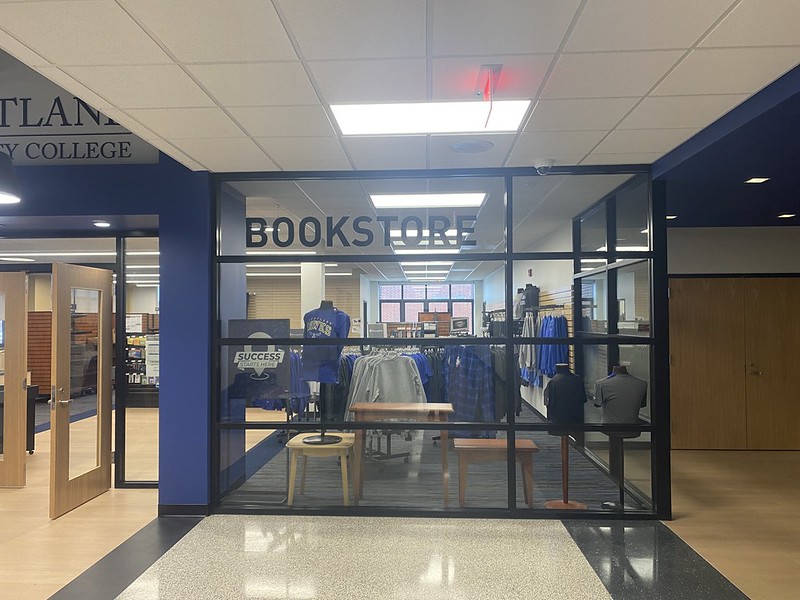
Bookstore

From orientation to graduation, the Heartland Bookstore has everything you need.

  • Books
  • Apparel
  • Supplies
  • Electronics
  • Gifts and more

Located in WDC Student Center First Floor

Order Books Online Bookstore Hours

Free Microsoft 365

Get Microsoft Word, Excel, and PowerPoint for free with your Heartland email.

Microsoft Office 365 Setup Guide (PDF)

Computer Hardware Requirements for Classes

Visit the computer requirements page to prepare for your classes this semester. It outlines the specific hardware needed for various courses at Heartland. You might need a newer computer to complete your course assignments.

Computer Hardware Requirements

Student IDs

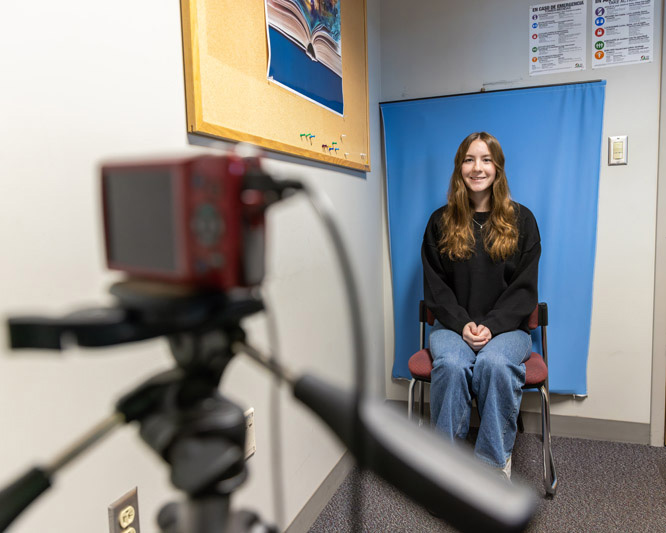
Stop by the Heartland Library to get your free Student ID.

Make sure you bring:

  • your HCC student ID number
  • a photo ID

With a student ID, you can:

  • check out library materials
  • access your online library account
  • ride the Bloomington-Normal Connect Transit (Bus System)
  • use the Fitness & Recreation Center
  • hang out in the Hawk's Nest Game Room
  • enjoy student discounts at various locations in the community

Contact Us

Success Connections

Email: successconnections@heartland.edu

Phone: 309-268-8407

Dean of Students Office

Email: deanofstudents@heartland.edu

Phone: 309-268-8407