Requesting Accommodations

Student Access and Accommodation Services (SAAS) provides individualized accommodations and support services designed to ensure equal access to courses, programs, and campus life. Accommodations are determined based on each student’s unique needs and functional limitations, not just a diagnosis.

Our goal is to remove barriers so you can fully participate in your education while maintaining the academic standards and integrity of your courses.

Need Accommodations?

Complete these four easy steps, for students accessing SAAS accommodations for the first time!


  1. Complete the Request Form

    Tell us about your disability, diagnosis, barriers, past supports, and any accommodations you may need.

    Request for Accommodations Form
  2. Submit Documentation

    Documentation helps us understand how your condition impacts your access and learning experiences.

    Examples include:

    • High School IEP
    • High School 504 Plan
    • Disability Verification Form
    • Medical documentation
    • Psychological evaluations

    Not sure what documentation to submit?

    Contact SAAS and we can help.
  3. Meet with SAAS Coordinator

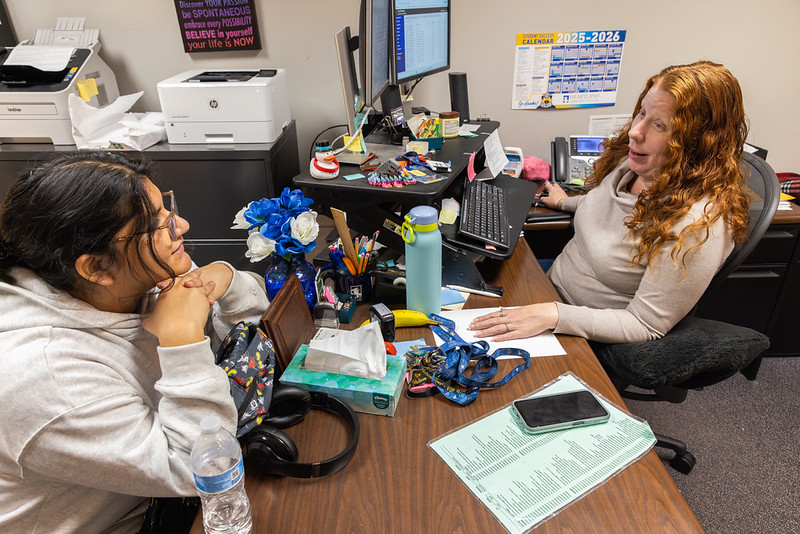
    After we review your request, we will schedule an intake appointment. 

    During the meeting we will:

    • Learn about your strengths and challenges
    • Review documentation
    • Discuss accommodation options
    • Answer questions
    • Explain next steps
  4. Receive and Use Your Accommodations

    Following the intake process:

    • Approved accommodations are added to your Accommodation account
    • Accommodation notifications are shared with instructors
    • You receive an Accommodation Resource Guide
    • Accommodations can begin once approved
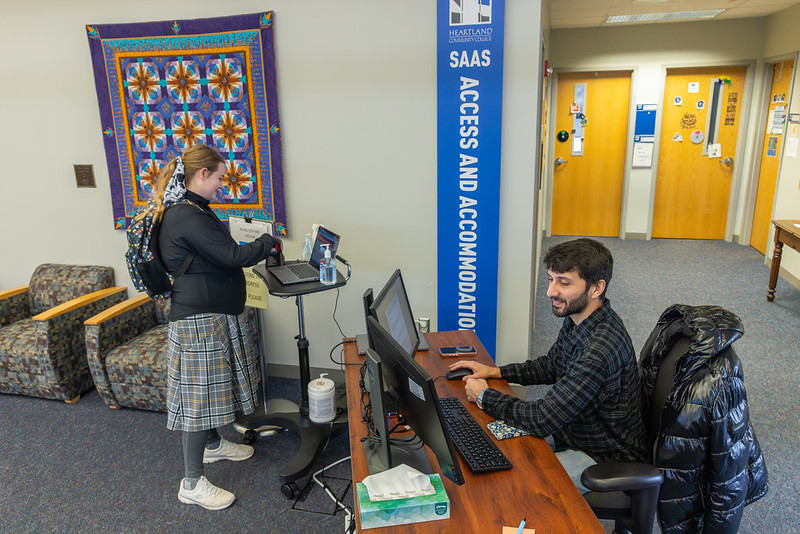
Individualized & Interactive Process

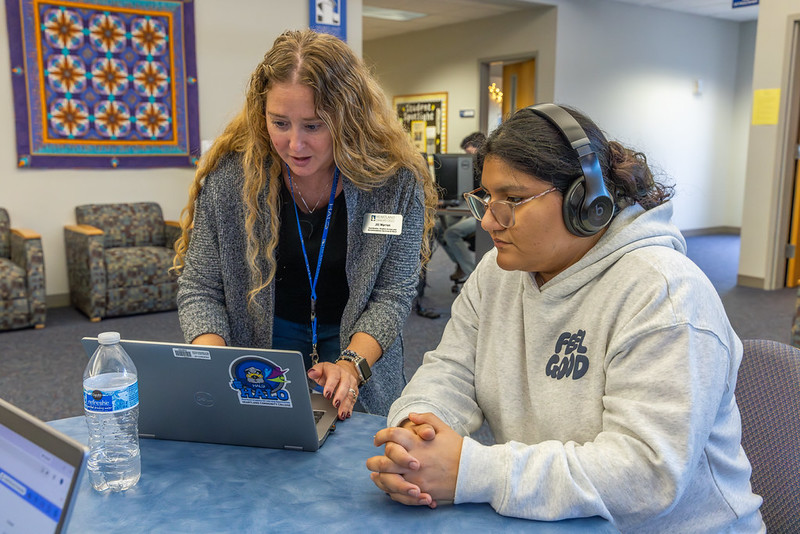
Accommodations are not one-size-fits-all. SAAS works collaboratively with each student through an interactive process to determine appropriate accommodations based on individual needs.

If your needs change, accommodations can be reviewed and updated at any time.

Schedule an Appointment

Students may meet with SAAS for a variety of reasons, including:

  • General accommodation questions
  • Updating or adjusting accommodations
  • Navigating classroom challenges
  • Getting support with self-advocacy or communication
  • Technology training or testing support

Appointments can be scheduled directly through Navigate, by email, or by calling the SAAS office.

First Time Meeting with SAAS?

If you have disability-related documentation, please bring it with you. If you do not have documentation yet, schedule an appointment anyway; we can discuss the next steps together.

Schedule a General Support Appointment (EAB)

Schedule Through Navigate

  1. Log in to Navigate through myHeartland or the Navigate Student app.

  2. Select Schedule an Appointment.

  3. Choose Student Access & Accommodation Services (SAAS)

  4. Select the reason for your appointment.

  5. Choose an available date and time.

  6. Tell us how we can support you during your appointment.

  7. Confirm your meeting.

Student Responsibilities

To make the most of your accommodations and support, students are expected to:

  • Provide appropriate documentation when requested.
  • Communicate accommodation needs in a timely manner.
  • Request and renew accommodations each semester.
  • Share accommodation letters with instructors.
  • Follow college policies and procedures.

Taking an active role in the process helps ensure accommodations are implemented effectively.

Contact Us

Need Help?

We are just an email or visit away.

Appointments

Click the button below to request an appointment for various SAAS services or a general information appointment.

Call Us

Phone number: 

309-268-8259